The sticky post should be distinctly recognizable in some way in comparison to normal posts. You can style the .sticky class if you are using the post_class() function to generate your post classes, which is a best practice.
They should show at the very top of the blog index page, even though they could be several posts back chronologically.
They should still show up again in their chronologically correct postion in time, but without the sticky indicator.
If you have a plugin or widget that lists popular posts or comments, make sure that this sticky post is not always at the top of those lists unless it really is popular.
Inline image editing features of image block work.
Block Patterns
Block patterns – Building elaborate pages can be a breeze with new block patterns. Several are included by default.
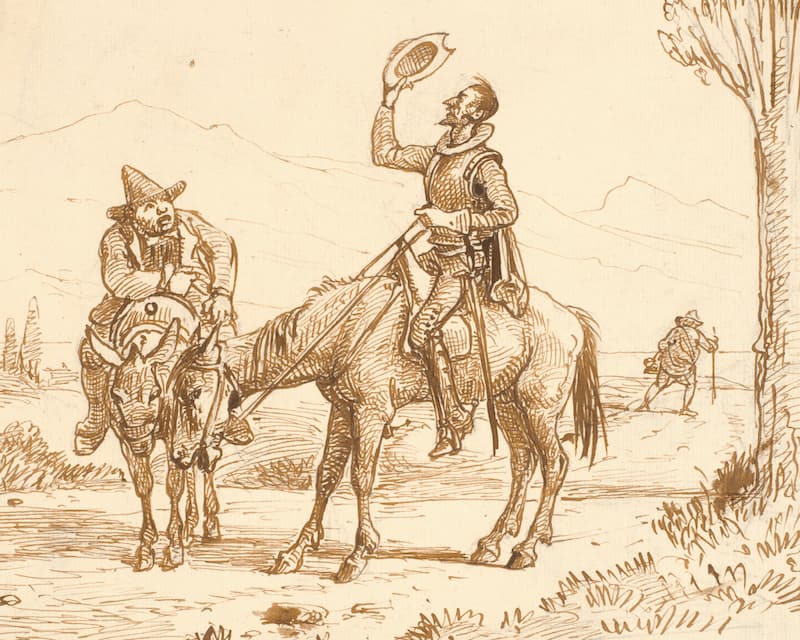
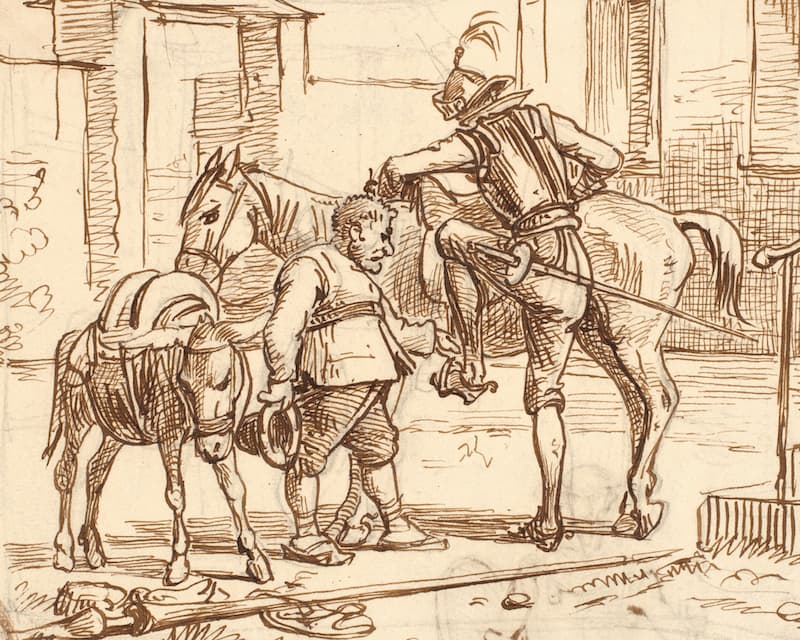
You must know, then, that the above-named gentleman whenever he was at leisure (which was mostly all the year round) gave himself up to reading books of chivalry with such ardour and avidity that he almost entirely neglected the pursuit of his field-sports, and even the management of his property; and to such a pitch did his eagerness and infatuation go that he sold many an acre of tillageland to buy books of chivalry to read, and brought home as many of them as he could get.
But of all there were none he liked so well as those of the famous Feliciano de Silva’s composition, for their lucidity of style and complicated conceits were as pearls in his sight, particularly when in his reading he came upon courtships and cartels, where he often found passages like “the reason of the unreason with which my reason is afflicted so weakens my reason that with reason I murmur at your beauty;” or again, “the high heavens render you deserving of the desert your greatness deserves.”
Which treats of the character and pursuits of the famous Don Quixote of La Mancha.
Device previews – See how your content will look to users on many different screen sizes. Click Preview and select your device type from the drop down. Works!
End block overwhelm. The new block inserter panel displays streamlined categories and collections. As a bonus, it supports patterns and integrates with the new block directory right out of the box.
Block inserter panel appears to be working as described. I’m seeing blocks and patterns that match my search.
Discover, install, and insert third-party blocks from your editor using the new block directory.
I’m not getting any new blocks to show up from the block directory.
A better, smoother editing experience with:
Refined drag-and-drop
Block movers that you can see and grab
Parent block selection
Contextual focus highlights
Multi-select formatting lets you change a bunch of blocks at once
Ability to copy and relocate blocks easily
And, better performance
…And Drop.
Testing Drag….
Drag and drop works.
Grouped the three drag and drop related paragraph blocks. Easy “parent” icon pops up along with inline block menu to select whole group.
Selecting the bridge image above and the text block just below it for a multi-select formatting test. Seems to work just fine.
An expanded design toolset for themes.
I’m assuming this design toolset is in the Customizer.
Now add backgrounds and gradients to more kinds of blocks, like groups, columns, media & text. This works. See blocks above with gradients. Or the text block below.
Hello Dark Background!
And support for more types of measurements — not just pixels. Choose ems, rems, percentages, vh, vw, and more! Plus, adjust line heights while typing, turning writing and typesetting into the seamless act.
Testing Lazy Loading
WordPress 5.5 will include native support for lazy-loaded images utilizing new browser standards. With lazy-loading, images will not be sent to users until they approach the viewport. This saves bandwidth for everyone (users, hosts, ISPs), makes it easier for those with slower internet speeds to browse the web, saves electricity, and more.
Dropping some images way down here to test native support for lazy-loaded images.